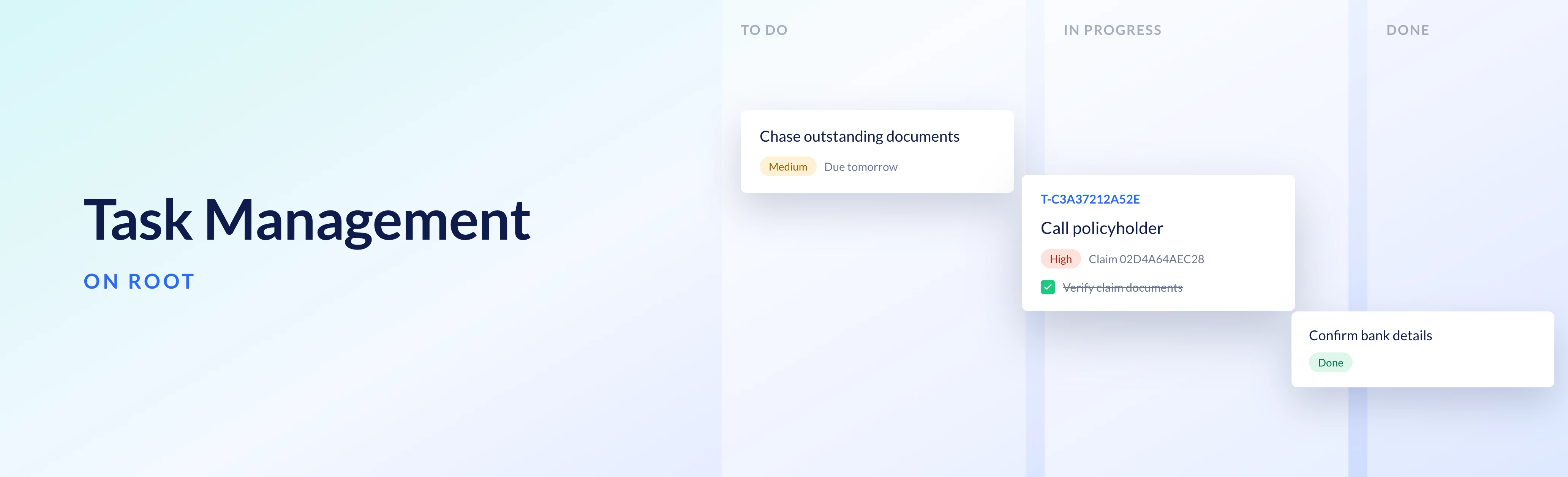
Every insurance business runs on hundreds of tasks a day.
Call the policyholder back. Follow up a claim that has gone quiet. Re-engage on the application that never converted. Reach out to a customer who just became eligible for an additional benefit or new product.
These tasks keep customers happy and your book healthy, but for the most part, they still live in spreadsheets, inboxes, or an agent’s memory.
Task Management on Root now surfaces all of that unseen and untracked work in the same place that policies and claims already live.
Because Task Management sits inside the platform that runs your products, a task can be raised by the event that causes it. When a claim is approved or a policy breaches an SLA, the product logic handling that event creates the task, assigns it to the right person and links it to the record it came from. Your team doesn’t have to copy details between systems or keep a separate tool in sync with your policy data.
Using Task Management
Task Management can be used for 3 different types of tasks on Root:
1. Automated tasks
Because a product built on Root is defined in product module code, that same logic can monitor events and create a task when a specific event happens, on a specific person's task list, already linked to the policy or claim it originated from.
For example, a claim or policy can be automatically flagged for manual review when it breaches an SLA, or a follow-up task can be created when a claim is approved.
Other key events across the policy lifecycle that are opportunities to engage with customers can also be managed with Task Management, like when a policyholder reaches the age where they become eligible for a new benefit or product.
Your team reaches the customer who now qualifies for a new benefit while the offer is still relevant, and picks up a claim that has breached its SLA before the customer has to chase it.
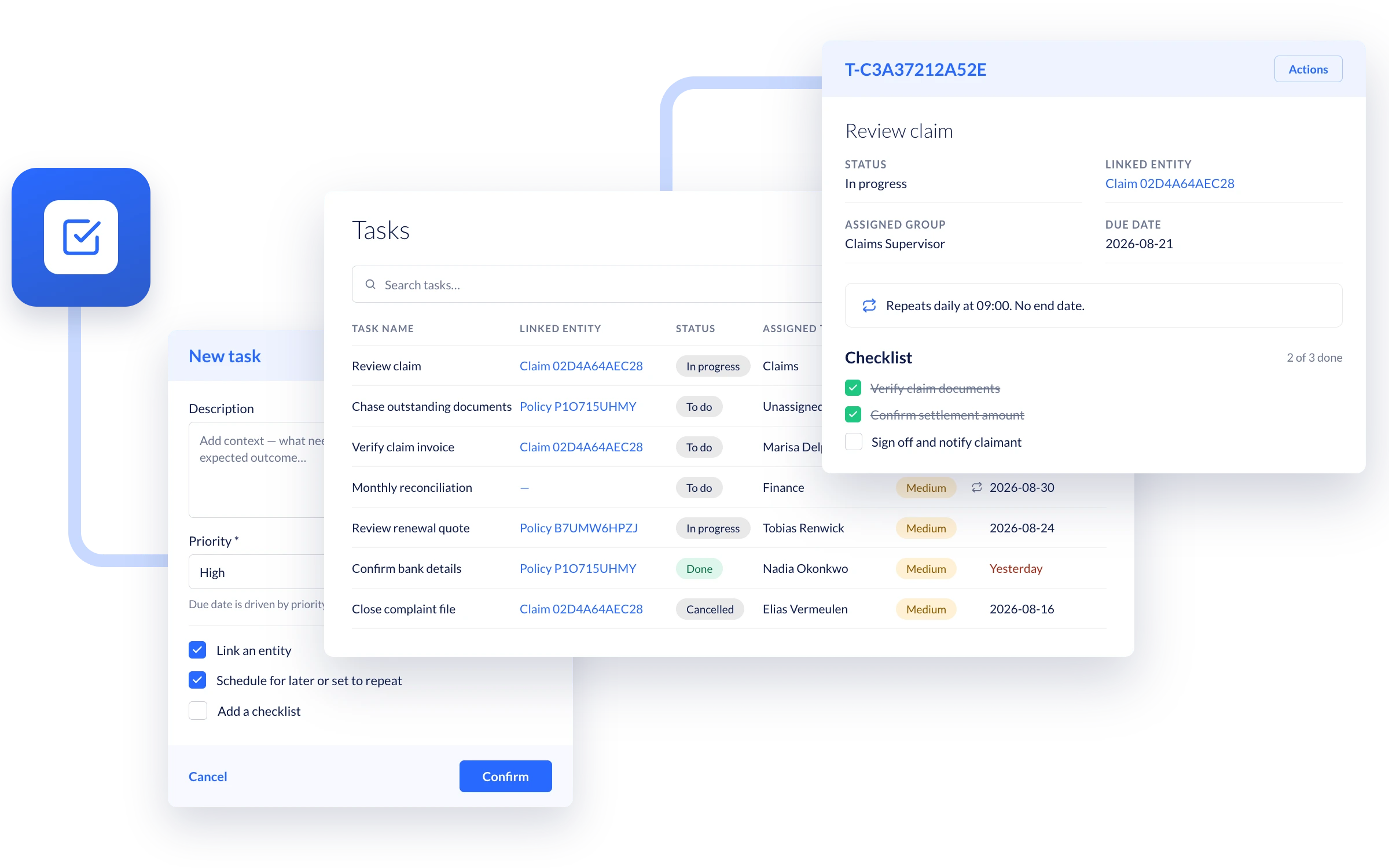
2. Scheduled tasks
Scheduled tasks turn routine work that must be completed on a regular cadence into tasks that appear on the right schedule, on the right person's to-do list, whether that is the daily round of calls to open claims or the monthly check on missed payments.
A missed payment gets a call before the policy lapses, and open claims get regular updates instead of going quiet. Managers can see what’s done and what’s overdue across their team.
3. Ad hoc tasks
Once-off tasks can be created and tracked, as and when they happen.
Users can create an ad hoc task, linked to a policy, claim or application. When a policy, claim, or application has an open task against it, a flag shows on the record itself, so anyone reviewing the policy can see a task is still outstanding and follow it straight to the person responsible.
With Task Management on Root, every task carries the context of the record it belongs to, along with a due date and an overdue flag. Every task also keeps a full track record of who did what, and when.
The work that keeps your customers happy should never depend on a single person remembering it.
If you’re an existing Root client, Task Management is already enabled, and you can try it in your Sandbox environment today. These guides will help you get started:
- Using tasks
- The task management FAQ in the help centre
- Our developer documentation.
If you’re not building on Root yet, get in touch and we’ll show you how Task Management would fit your operations.

